Huma vs Grammarly Authorship
Both watch the writing instead of guessing. But only one of them caught our typing script, and only one gives you a proof you don’t have to take on trust.
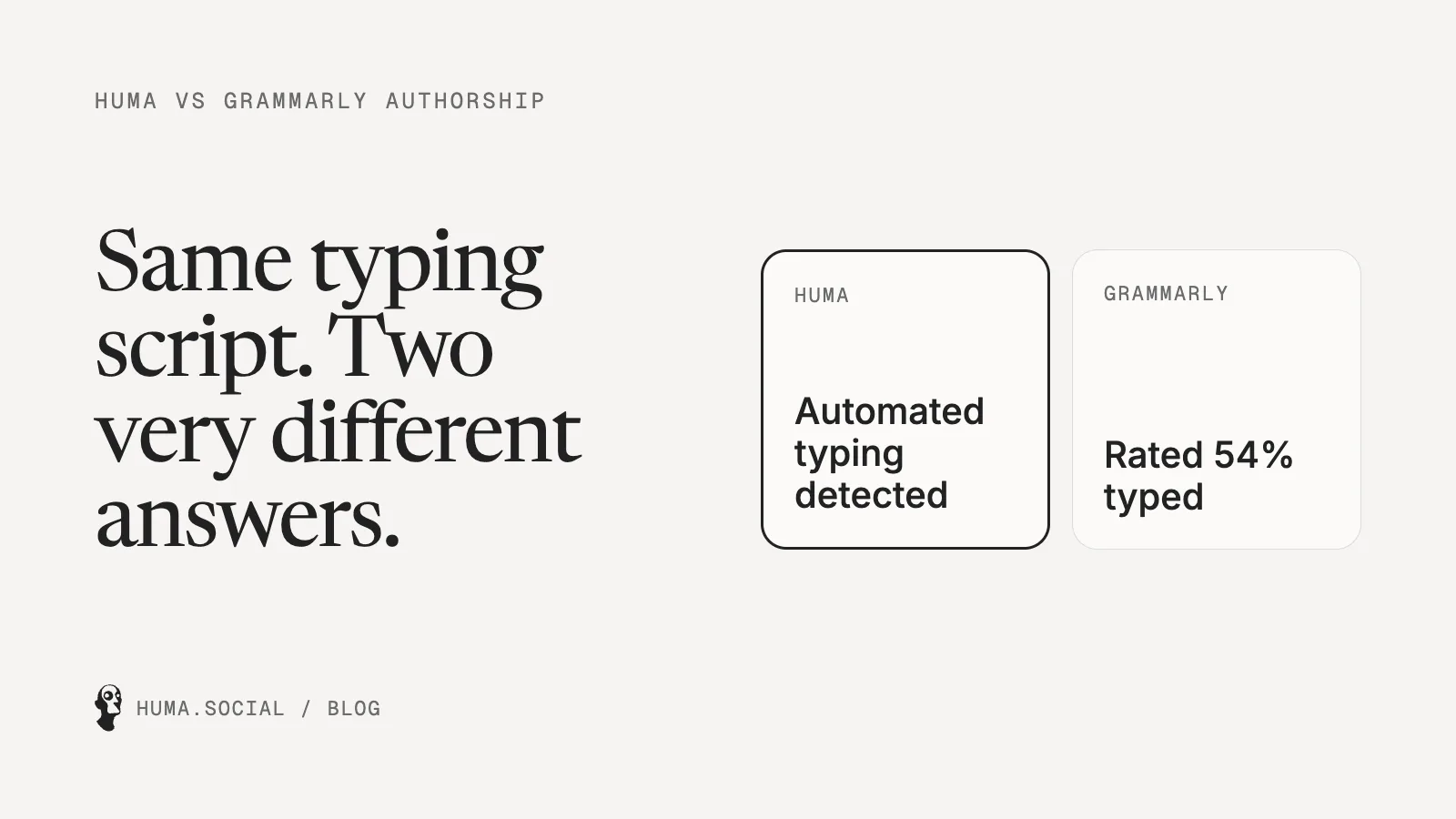
Grammarly Authorship and Huma start from the same insight: you can’t reliably tell who wrote something by reading it, but you can by watching it get written. Grammarly deserves credit for bringing that idea to millions of people. But when we tested the two side by side, Huma was clearly the stronger proof, and the reasons go deeper than one test.
Short answer: Huma is the better proof. It stopped a typing script that Grammarly Authorship partly labelled as human, its proof can be checked by anyone without trusting Huma, and Huma doesn’t sell AI writing. Grammarly’s advantage is convenience: it works inside Google Docs and Word and connects to Canvas and Blackboard.
What Grammarly Authorship does
Grammarly announced Authorship in August 2024.[1] In Google Docs it works through the Grammarly browser extension, and in Word through the Grammarly app. It labels text by where it came from: typed by a person, generated by Grammarly’s AI, pasted, or edited with Grammarly’s suggestions. You can replay how the document was written and share a report link.[2] It connects to Canvas[3] and Blackboard,[4] and Grammarly says it’s included in Grammarly Free and Pro.
What Huma does
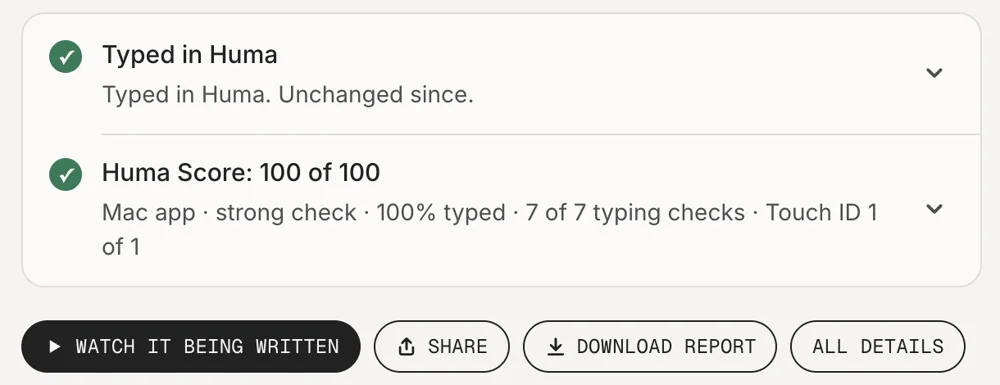
Huma is a writing app, on the web and as a Chrome extension, that records every key press with its timing. Press Finish and you get a link and a PDF Report showing what was typed and what was pasted, with a replay if you allow it. The proof is made on your own device, and anyone can check it without trusting us. If text appears without a person typing it, Huma stops the recording.
Side by side
| Huma | Grammarly Authorship | |
|---|---|---|
| How it works | Records writing as it happens | Records writing as it happens |
| Where you write | Huma’s editor on the web, or Google Docs, Word and other sites (Chrome extension) | Google Docs (extension) or Word (Grammarly app) |
| Pasted text | Marked as pasted | Labelled; source shown with clipboard access |
| Replay | Yes, if the writer allows it | Yes |
| What you share | A link and a PDF Report | A report link |
| Checking it | Anyone can check the proof, without trusting Huma | You trust Grammarly’s labels |
| Text typed by a script | Stopped within the first sentence | 35–54% labelled “Typed and unmodified” in our test |
| Also sells AI writing | No | Yes |
| Canvas and Blackboard | No | Yes |
| Price | Free for 10 documents; Plus coming soon at $5 a month | Included in Grammarly Free and Pro |
We tested both with the same script
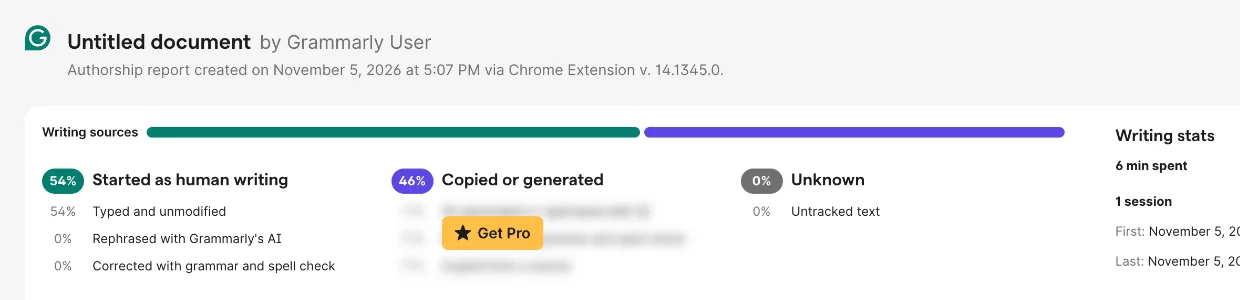
We wrote a simple script that types one character at a time, with pauses and the occasional fixed typo, and had it type the opening of Pride and Prejudice. In two runs, Grammarly Authorship labelled 54% and then 35% of it “Typed and unmodified”. Huma stopped the same script within the first sentence. The full test, with every screenshot, is here.
Where Grammarly is better
- You keep writing where you already write: Google Docs and Word.
- Schools can connect it to Canvas and Blackboard. Huma doesn’t connect to either yet.
Where Huma is better
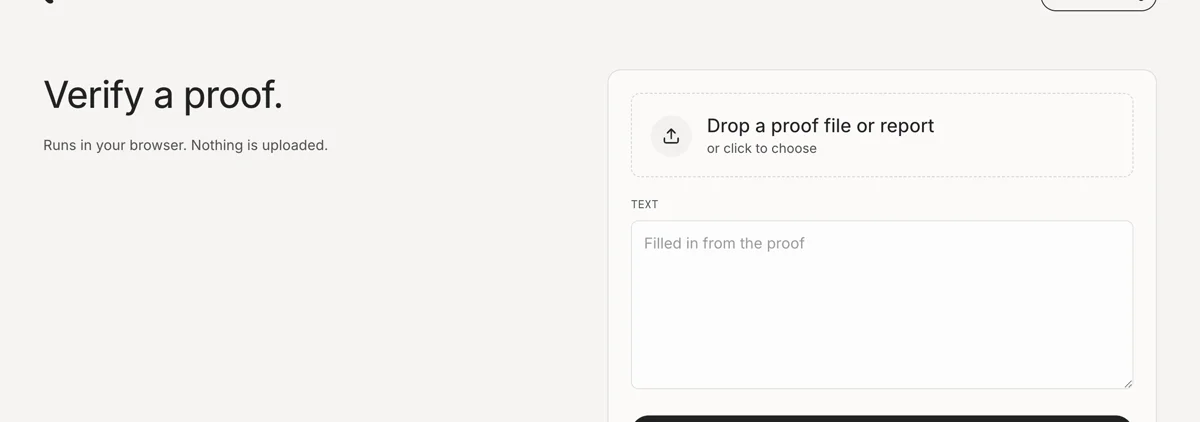
- Anyone can check it without trusting us. The proof is made on your device, and a reader can check it themselves.
- It treats the session as one piece of evidence. If anything in it wasn’t typed by a person, nothing gets proved.
- Huma doesn’t sell AI writing. In October 2025 Grammarly renamed its company Superhuman and launched Superhuman Go, an AI assistant.[5] The company labelling your writing as human also sells AI that writes for you.
- No extension, no Google account. Open huma.social/write and start typing.
The trust point is the one I’d think hardest about. A report that says “typed by a human” is a claim made by whoever printed it. If that company also sells AI writing, and its own Humanize feature has produced text labelled “Typed by a Human”,[6] you’re being asked to trust a referee who also plays for one of the teams. A proof that anyone can check doesn’t ask for that trust.
Which should you use?
If your school requires Grammarly Authorship through Canvas or Blackboard, do what it asks, and attach a Huma link too. Then you have the stronger evidence either way.
Questions
Is Grammarly Authorship free?
Grammarly says Authorship is included in Grammarly Free and Grammarly Pro.
Can Grammarly Authorship be fooled?
In one test by Plagiarism Today in November 2025, text rewritten by Grammarly’s Humanize feature was labelled as typed by a human. In our own test, a simple typing script got 35% to 54% of copied text labelled “Typed and unmodified”.
Is Huma better than Grammarly Authorship?
In our test, yes. Huma stopped a typing script within the first sentence, while Grammarly Authorship labelled 35% to 54% of the same script-typed text as typed by a person. Huma’s proof can also be checked by anyone without trusting Huma, and Huma doesn’t sell AI writing.
Notes
- Grammarly, “Grammarly Launches Grammarly Authorship”, August 2024. www.grammarly.com
- Grammarly, “Grammarly Authorship”. www.grammarly.com
- Instructure, “Grammarly Authorship now integrated in Canvas LMS”. www.instructure.com
- Grammarly, “Grammarly Authorship is now available in Blackboard”. www.grammarly.com
- BetaKit, “Grammarly rebrands to Superhuman”, October 2025. betakit.com
- Plagiarism Today, “How Grammarly Launders AI-Generated Content”, November 2025. www.plagiarismtoday.com