Does Google Docs version history prove you wrote it?
It helps, but it isn’t proof. Here’s what it shows, what it doesn’t, and how to close the gap.
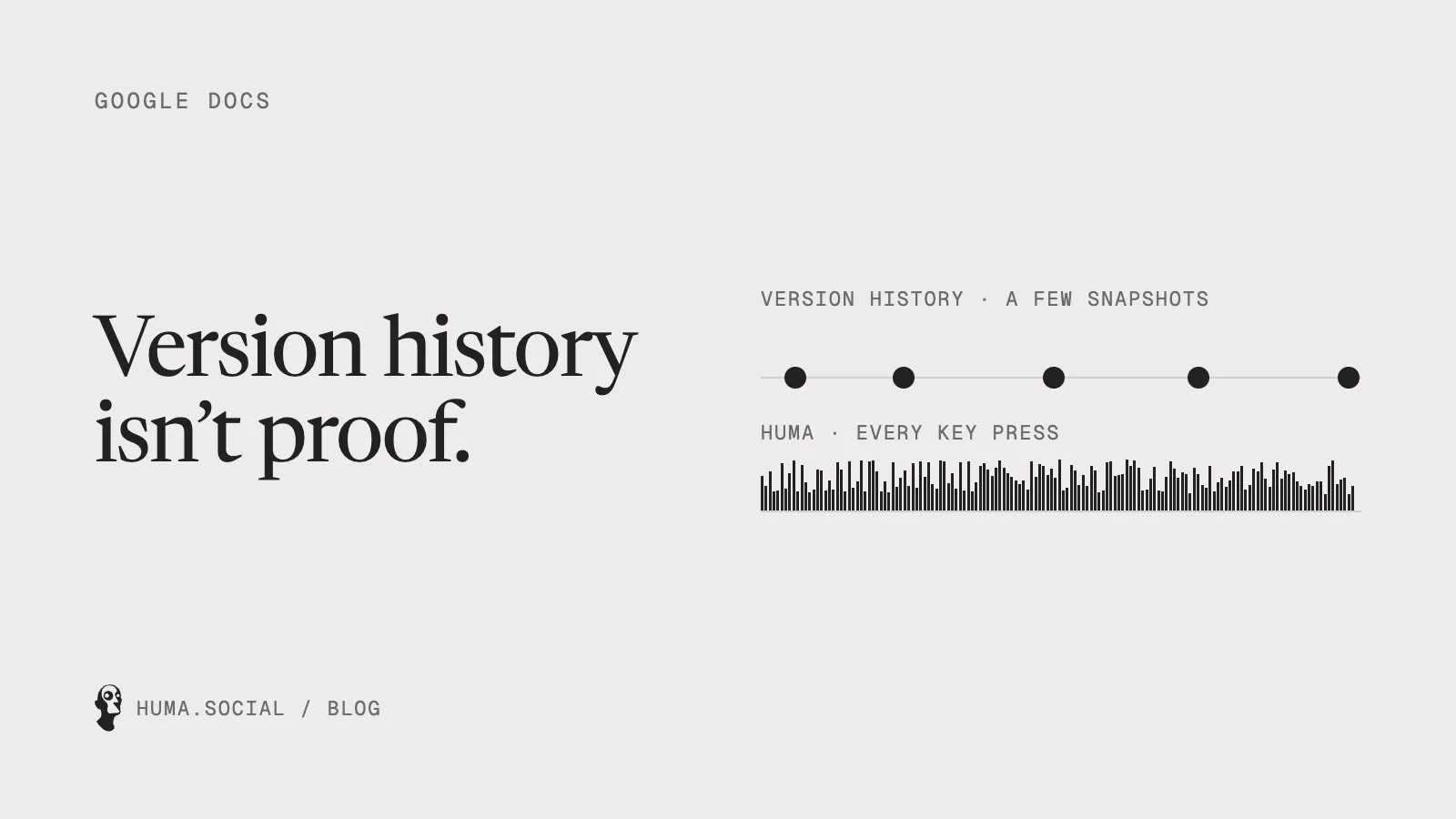
Most students who get accused of using AI reach for the same evidence: Google Docs version history. That’s a good instinct. It shows the essay grew over time, which an essay pasted in from ChatGPT usually didn’t. But it was built to let you undo mistakes, not to prove authorship, and it shows.
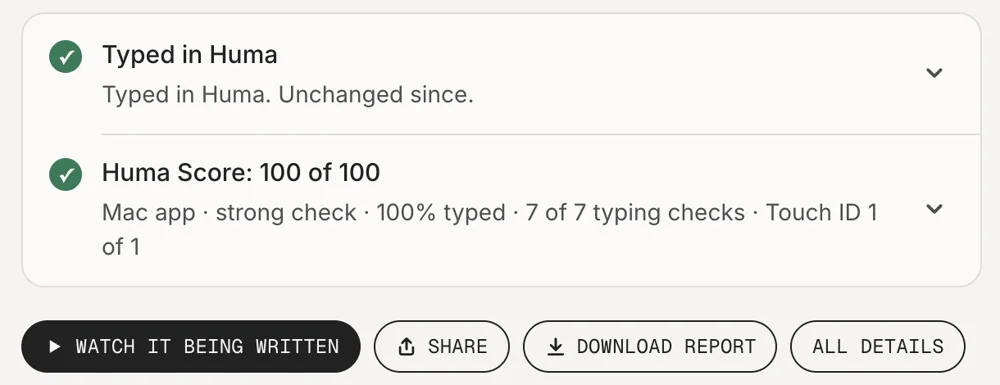
Short answer: Google Docs version history is useful evidence, but it isn’t proof. It shows saved snapshots and who edited, not every key press, and it doesn’t say which text was typed and which was pasted. To check it, your teacher needs edit access to your document. A Huma link shows every key press and what was pasted, and anyone can open it.
What version history shows
In Google Docs, open File, then Version history, or click Last edit at the top right.[1] You’ll see saved versions with dates and times, who made each change, and any versions you’ve named. That’s good evidence that a document grew over time. Keep it, and show it if you’re ever flagged.
What it doesn’t show
- Every key press. Google’s built-in view groups changes into snapshots, so you can’t see how each sentence was typed. Extensions like Draftback can replay the finer history Google keeps,[2] but only for people with edit access.
- What was pasted. A big block appearing in one version is a hint, but version history doesn’t say whether it was typed or pasted.
- Who can check it. Google says you need permission to edit a file to browse its earlier versions,[1] so you have to give your teacher edit access or show it on your screen.
- Copies. A copy of the document doesn’t bring its history with it.
Version history vs a Huma link
| Google Docs version history | Huma link | |
|---|---|---|
| What it records | Saved snapshots | Every key press, with its timing |
| Pasted text | Not marked | Marked as pasted |
| Text typed by a script | Not marked | Stops the recording |
| Replay | With an extension, for editors | Built in, if you allow it |
| Who can check it | People with edit access | Anyone with the link, in a browser |
| Can be checked without trusting a company | No | Yes |
| What you send | Access to your document | A link and a PDF Report |
So what should you use?
Keep using version history. It’s free and it helps. But for anything that matters, an essay, an application, client work, write it in Huma too, so your reader gets a link that shows exactly how you wrote it. If you’ve already been flagged, start with what to do if Turnitin flags your essay, and see how to prove you didn’t use AI.
Questions
Can teachers see Google Docs version history?
Only if they have edit access to your document. Google says you need permission to edit a file to browse its earlier versions.
Does Google Docs version history show copy and paste?
No. It shows saved snapshots and who edited. A large block appearing at once is a hint, but it doesn’t say whether text was typed or pasted.
What is better than Google Docs version history to prove you wrote something?
A record of every key press, like a Huma link. It marks pasted text, shows a replay if you allow it, and anyone can open and check it in a browser.
Notes
- Google Docs Editors Help, “Find what’s changed in a file”. support.google.com
- Draftback, “a Chrome extension for replaying the revision history of Google Docs”. draftback.com